
5 Home Office Essentials You Actually Need
When I first shared this post, working from home was not nearly as universal as it is now. Fast forward a few years and our home offices are rarely optional. They support meetings, deadlines, creative work, homework, and everything in between. Over the years, I’ve realized a beautiful desk and a good chair are only part of the equation. I have to say, it has been a dream working in my home office space everyday. As of now, I can honestly say there isn’t a single thing I would change, in regard to design, functionality, and layout. I thought it may be helpful to share five things I really pushed for and solved in my own home workspace. Perhaps some of these aren’t things you would necessarily add to the top of your list when designing an office, but they’ve been a game changer for me. I think a few of these are often overlooked. The real success of a home office setup comes down to what’s happening behind the scenes. These are the five home office essentials I won’t go without. Click through to see how I use them in my own space on the daily…

I spend many hours in my home office. This room has truly turned into my personal sanctuary. It’s also one of the spaces in our home I’m most proud of. Our first phase of the renovation began in 2019 when we learned how to install herringbone hardwood flooring.
1. Ample Power and Accessible Outlets
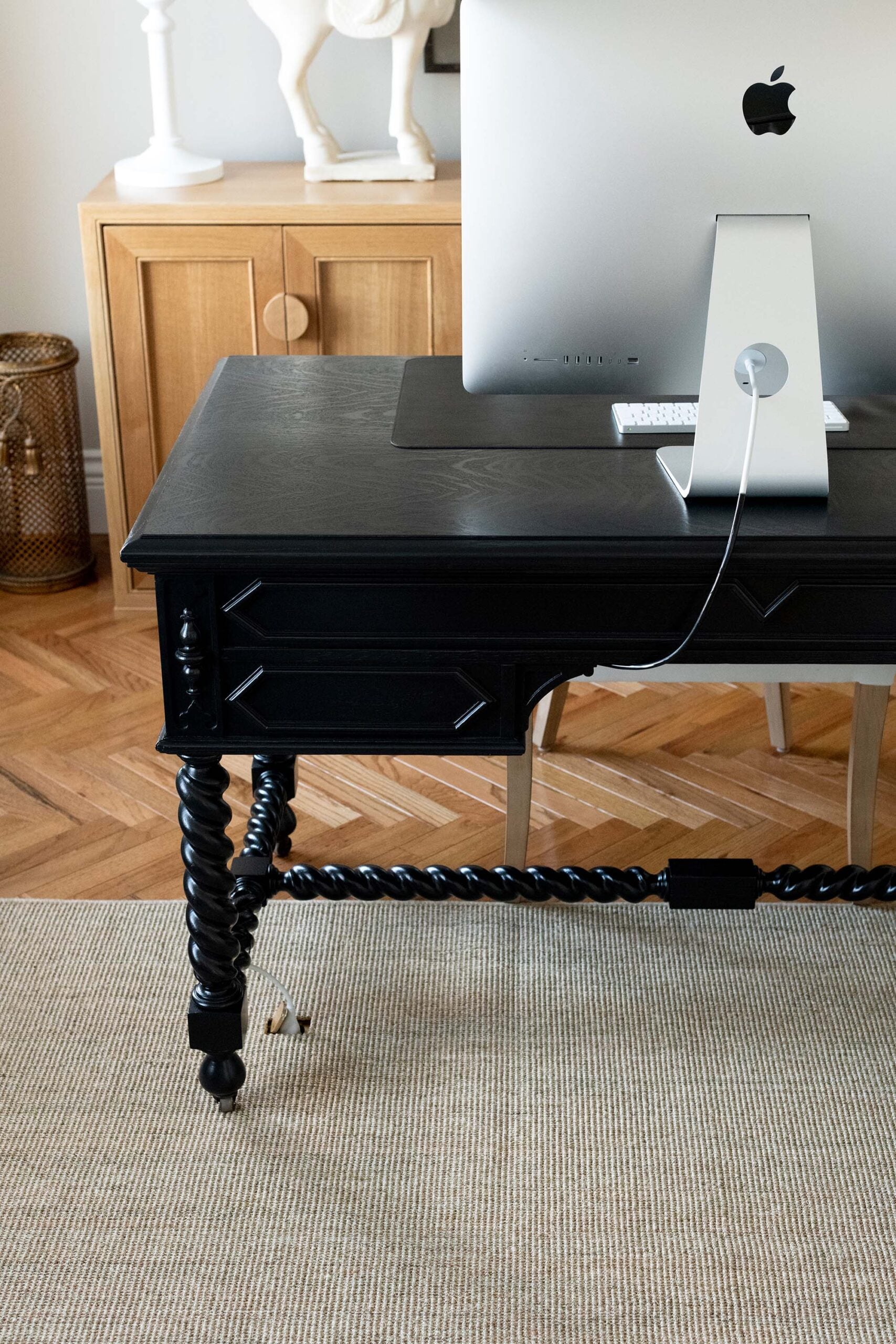
Nothing disrupts productivity faster than crawling under a desk in search of an outlet. I prioritized accessible outlets near my desk, and I use them every day. Every home office needs more power access than you think. Laptops, monitors, desk lamps, printers, chargers, and occasionally a heated throw all compete for the same wall outlet. If you’re renovating, consider adding outlets directly below your desk or integrating in-desk power grommets. If that’s not realistic, invest in quality surge protectors and cord management that can be mounted discreetly beneath the desk.
You should be able to plug in what you need without sacrificing the look of the room. Hidden cords and intentional outlet placement make a home office feel tailored. We made sure to plan and install plenty of outlets in smart locations throughout my office that are easy to access (inside the cabinets, on each wall, in the floor, etc). I’ve chatted about why I love floor outlets in this room, as they’re discreet and the best way to hide computer cords.
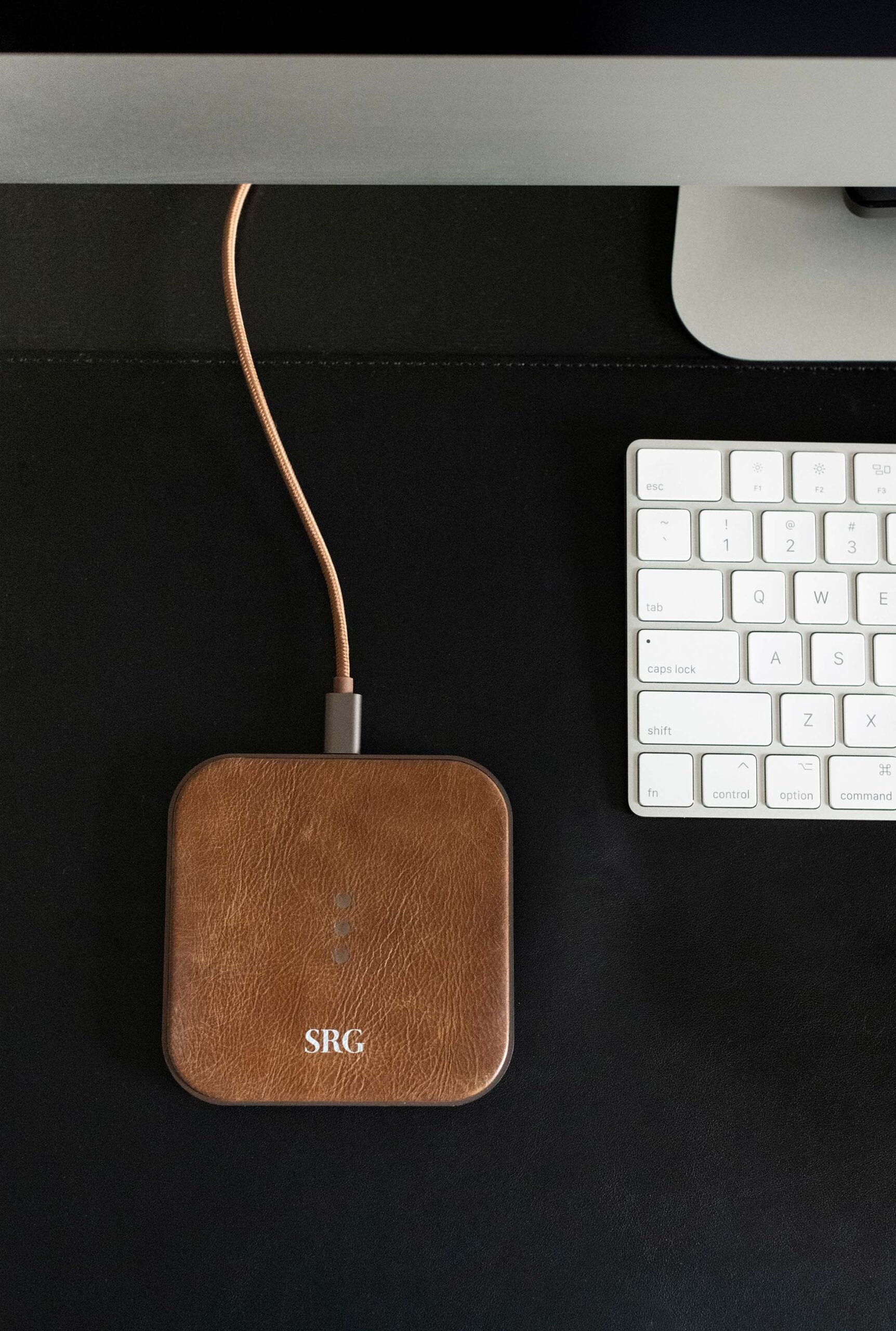
I also highly recommend having a wireless desktop charger. They make some pretty leather ones that can be monogrammed and it’s the easiest way to charge devices… rest your phone on the block while you work. In our Tuesday Made office, we had these lamps that have charging bases. You can rest your phone on the base for a quick charge. These handy charging devices are a must… and a great way to avoid a cord jungle.
2. Wireless and Hidden Devices
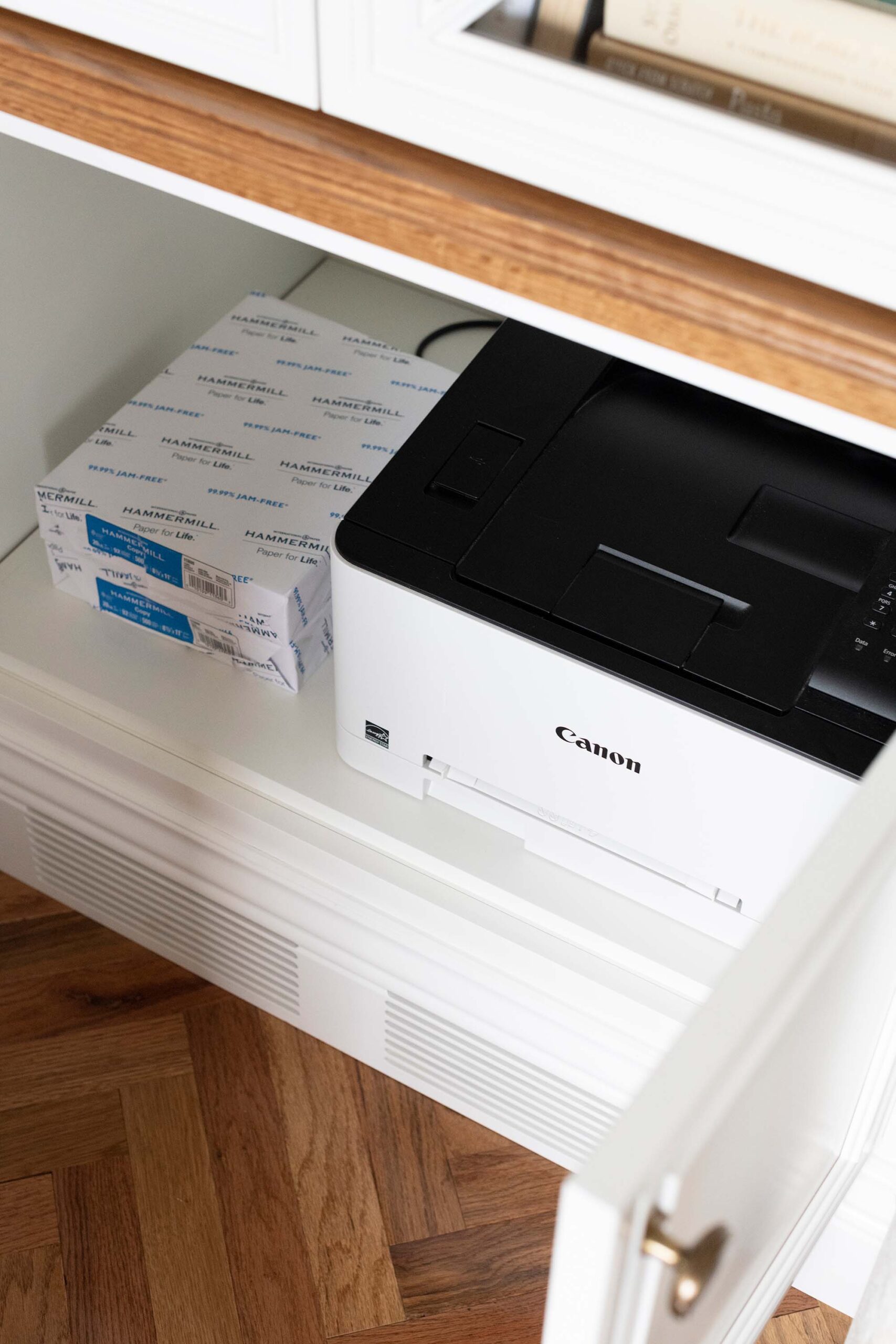
A stylish home office falls apart quickly when cords and bulky equipment are left exposed. One of the smartest upgrades you can make is transitioning to wireless devices wherever possible. My favorite functional thing in my office is a simple one… it’s my wireless printer. Why? Because printers are necessary for an office, but they’re such an eyesore! I love that mine lives behind closed cabinet doors. I hit the print button on my computer and can hear it magically doing its thing- totally out of sight… no cord needed. It’s the best setup! I definitely recommend integrating outlets into cabinetry, built-ins, or furniture for this reason.
My keyboard and mouse are both wireless, which makes my desktop look much cleaner. That said, most of us still need a router and modem nearby for strong connectivity. Instead of letting them sit awkwardly on a desk, I prefer to conceal them inside a cabinet or decorative box that allows for ventilation. When technology fades into the background, the design becomes the focal point.
3. A Well Lit Vignette with a Beautiful Background
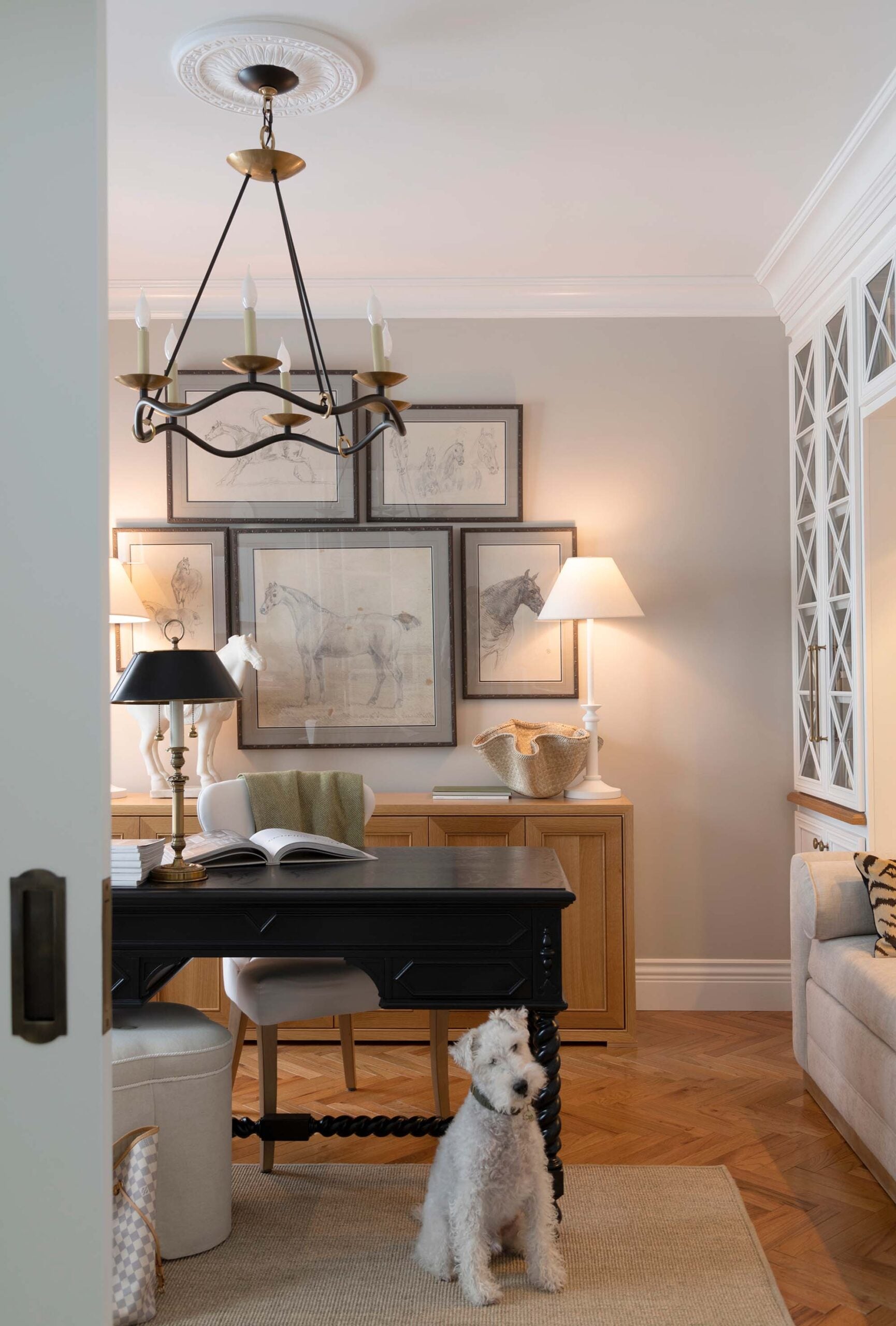
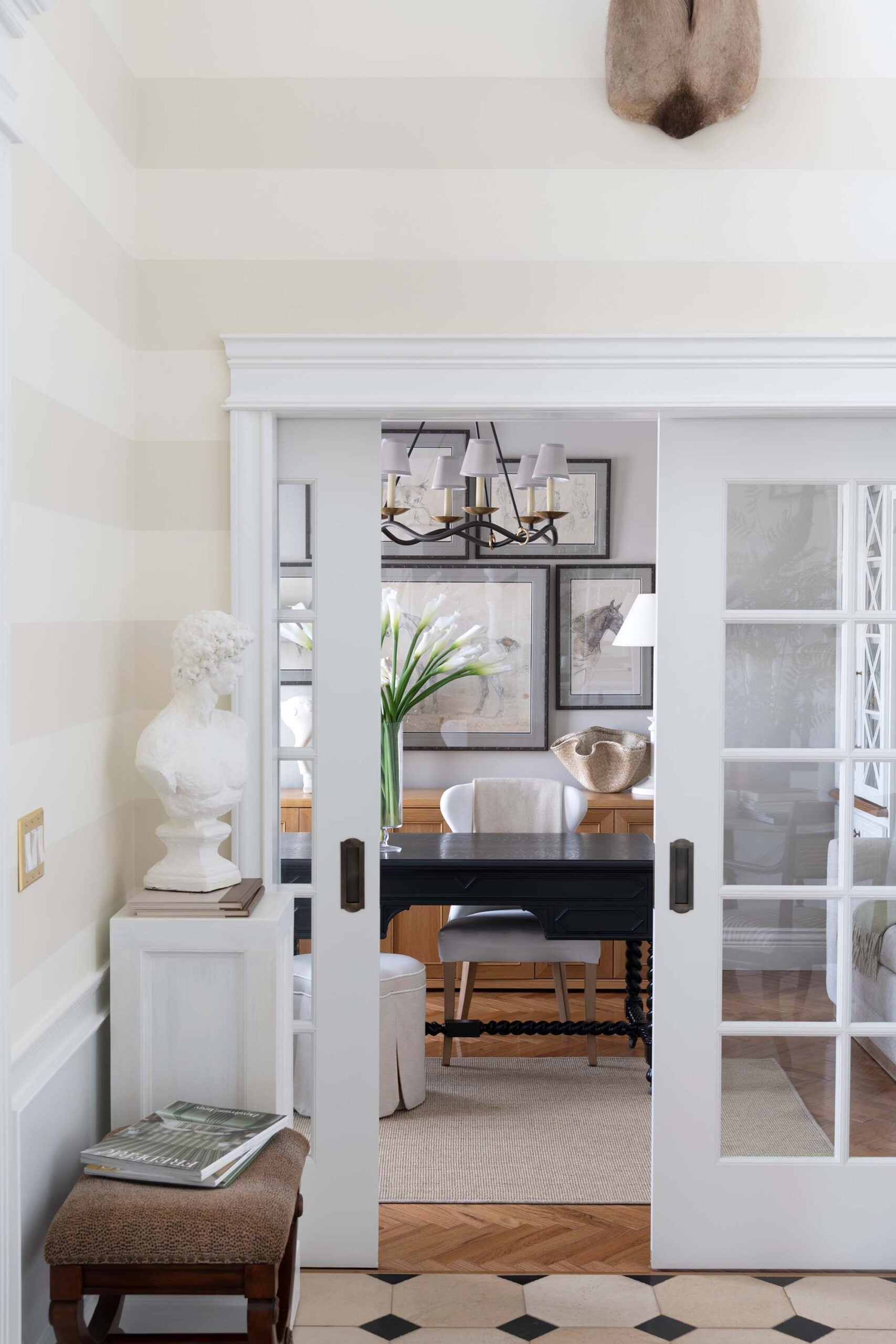
I’ve worked from home for over a decade now and I’m very accustomed to virtual meetings. In the age of working from remote locations, believe when I say, you definitely want to take into consideration your background when designing a workspace. In my office, I face the french doors, which means my background is always the gallery wall and credenza behind me. Beyond function, think about what is behind you. In today’s world, video calls are part of everyday life. A styled bookshelf, framed art, or a thoughtfully designed wall can serve as a polished backdrop. It doesn’t need to be elaborate. A simple vignette with art, books, and a touch of greenery feels warm and intentional.
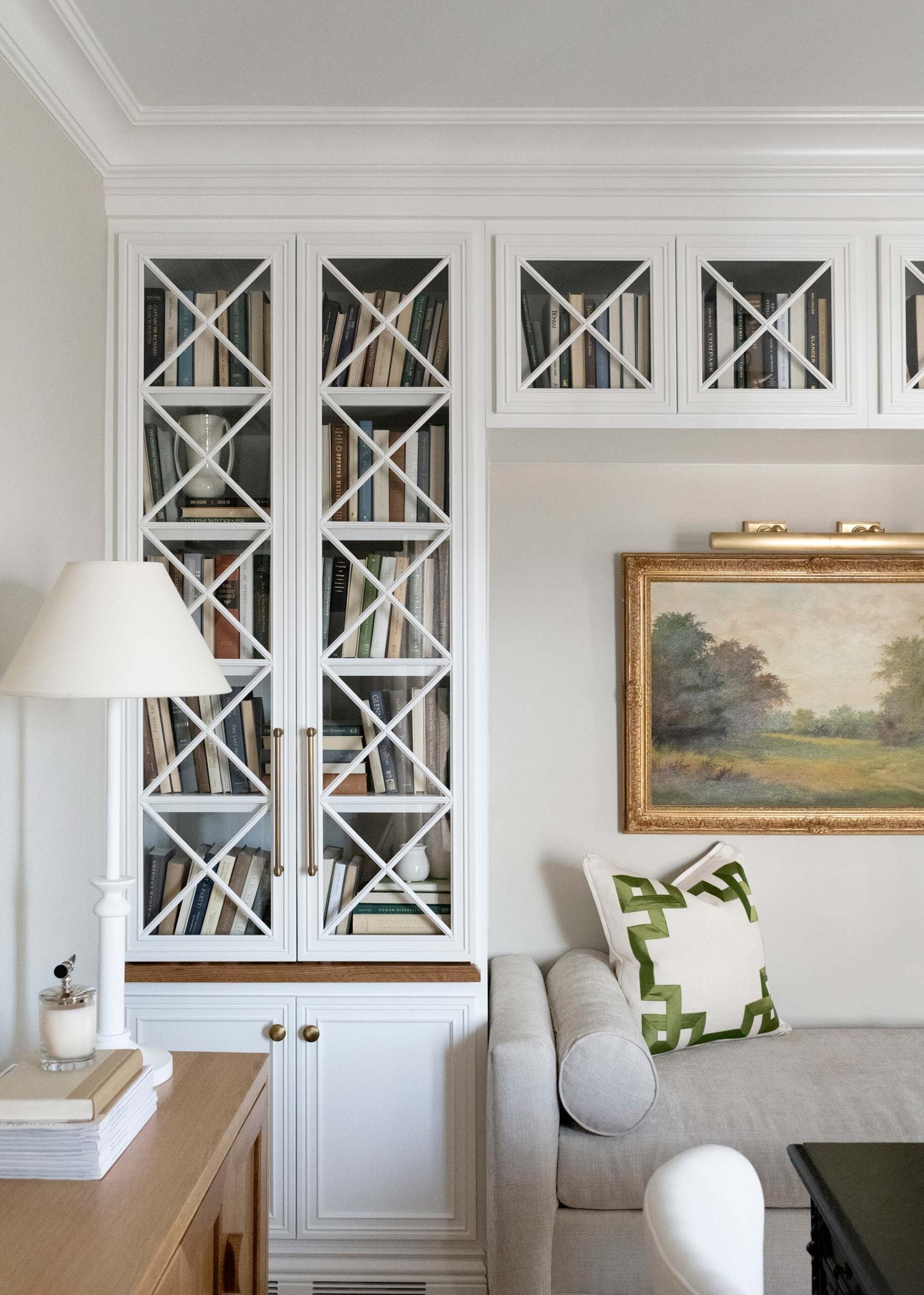
Lighting is one of the most underestimated home office essentials. Good lighting supports productivity. Great lighting transforms the entire space. Check out this post on how to layer lighting like a designer! Combining overhead fixtures with a desk lamp and (if possible), natural light from a nearby window is always a winning and flattering combination.
4. Organized Storage That Works
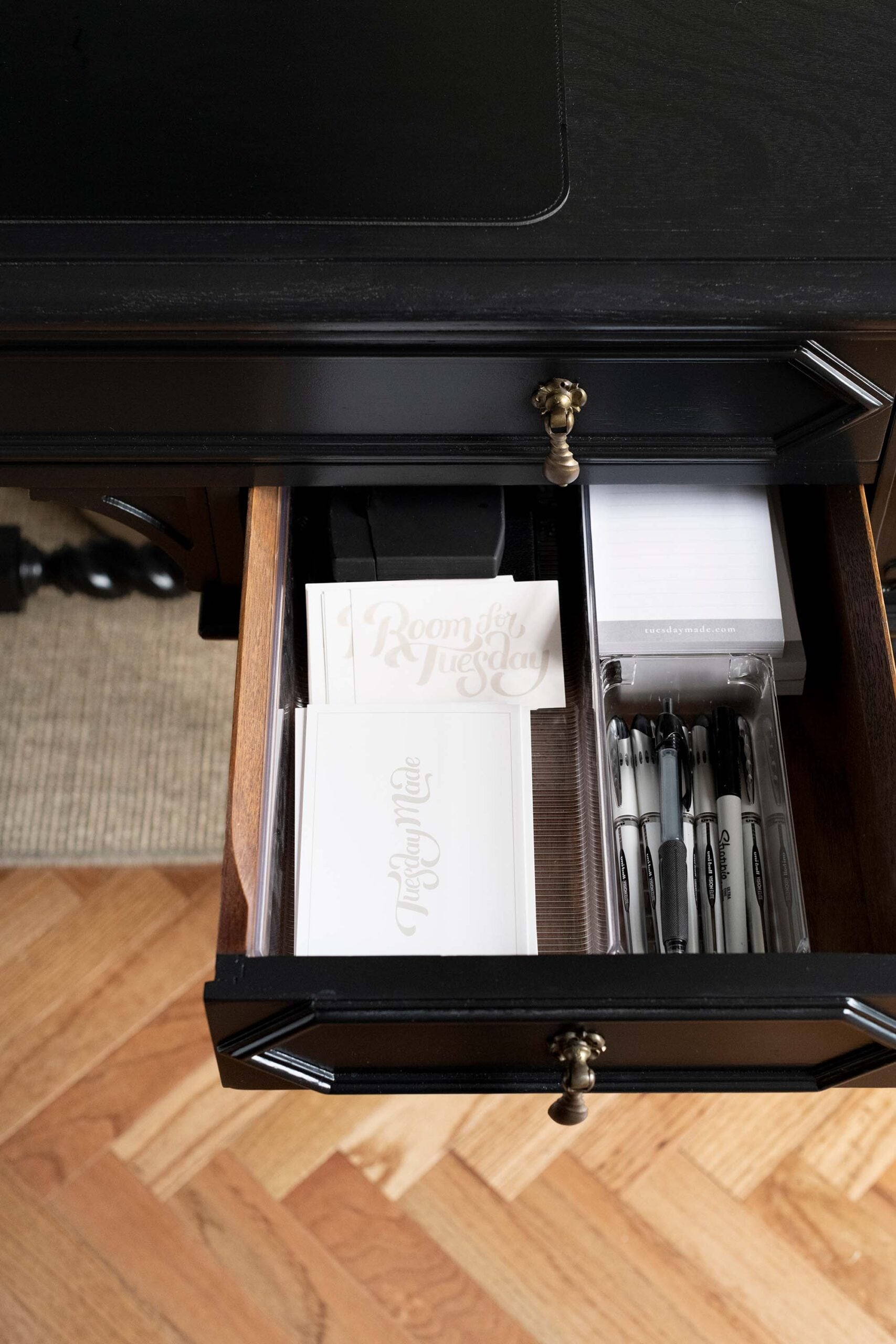
Organized storage is essential if you want your workspace to remain calm and functional. Before moving into my office, I ordered some inexpensive desk organizers. I also bought some filing bins, baskets, and lidded totes to keep paperwork, swatches, and samples organized. I function best when everything has a place and is put away. I don’t work well when my desk looks unorganized and chaotic.
Even the most minimal home office accumulates paper, samples, and miscellaneous supplies. I recommend a mix of concealed and decorative storage. Drawers, cabinets, or a credenza can hide less attractive necessities, while open shelving can hold books and objects.
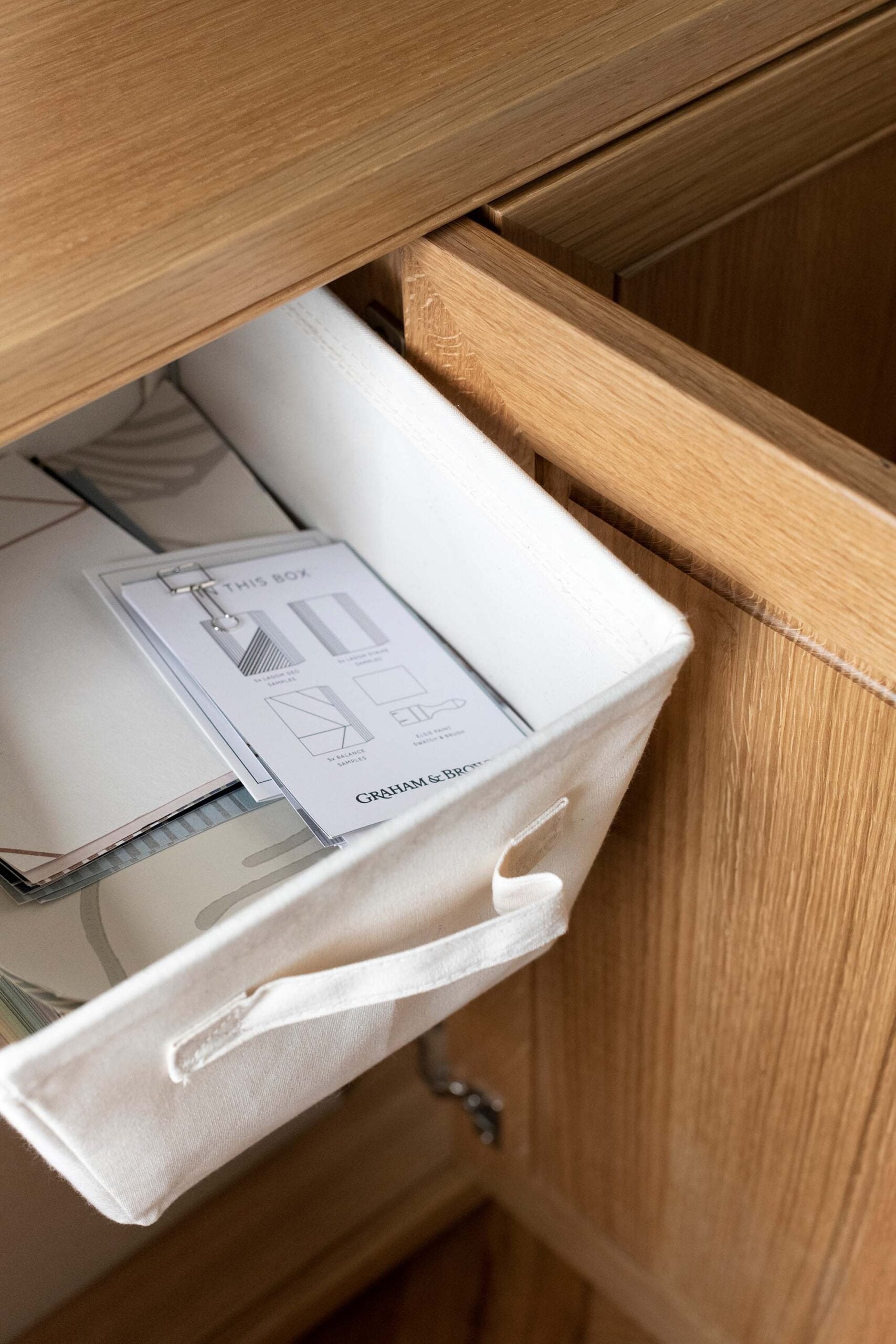
Don’t just throw things into a desk drawer or cabinet- be intentional and find some containers that work well for you. Having done both, my productivity and mental health is always best when I feel organized. Editing is just as important as organizing. I regularly reassess what lives in my own office. If something does not serve a purpose or add beauty, it does not stay. A thoughtfully organized home office not only looks better, it functions better.
5. Really Good Wifi
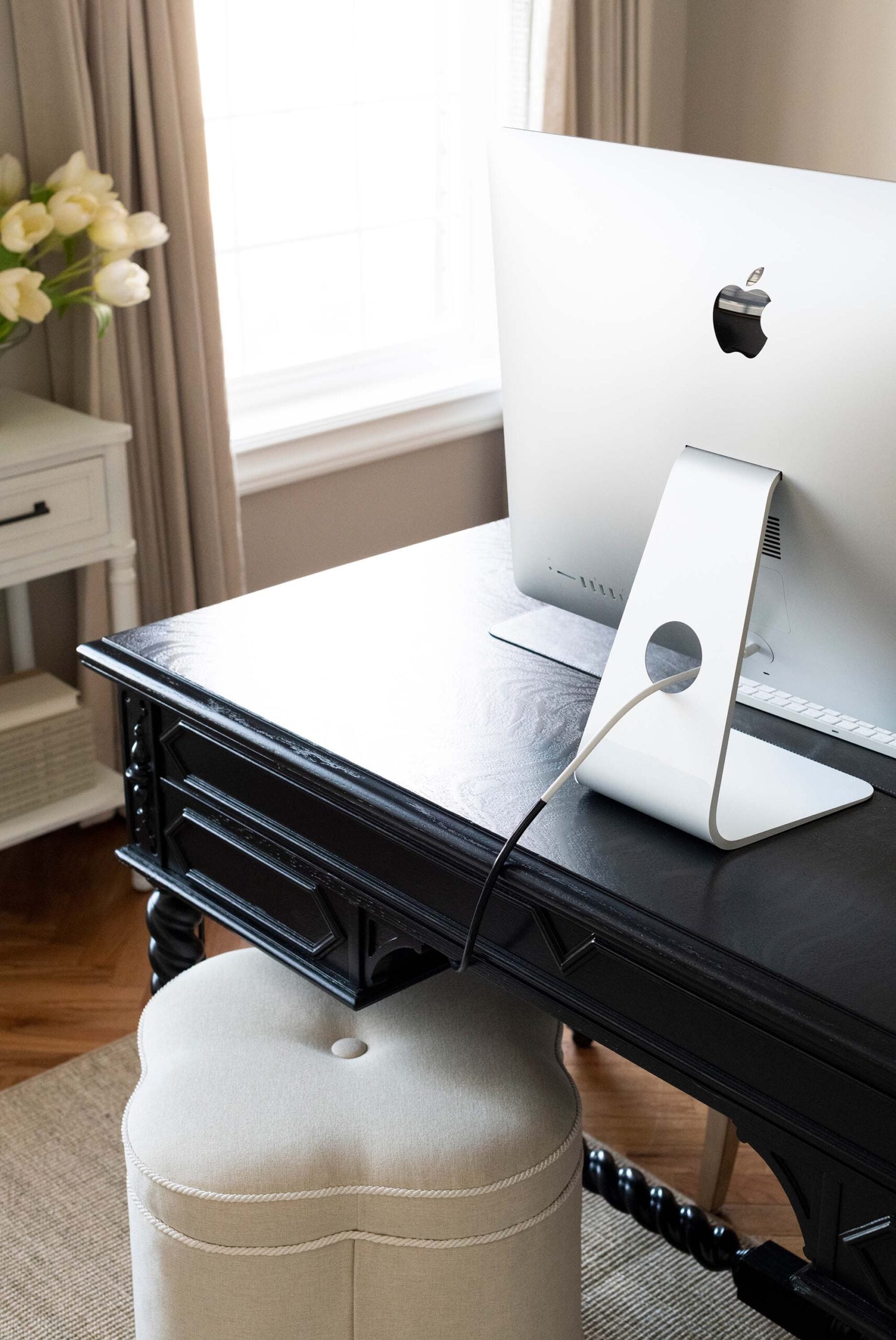
You can have the most beautiful home office, but without strong wifi, we’d get nothing done. This one may be obvious, but this is one point I’ve struggled with in the past… implementing good wifi. Reliable internet is foundational to a productive home office setup. During my office renovation, I setup a temporary space in the empty room across the entry. Even moving 30 feet had a drastic effect on my connection. I struggled with the speed of my internet, things took forever to load, virtual meetings were a disaster, and my connection was always subpar. Since we live pretty high in the mountains, we only have two wifi providers available to us (neither of which are fiber), so despite having the fastest package available, we struggled.
If your signal struggles in certain rooms, consider a mesh wifi system or a signal extender to strengthen coverage. Router placement matters as well. Central, unobstructed locations tend to perform best. When possible, I incorporate router placement into the design plan so it feels intentional rather than reactive. Conceal it within cabinetry or on a styled shelf while still allowing proper airflow. A seamless connection allows you to work efficiently without interruptions, which is ultimately the goal of any well designed workspace. We actually just got Starlink (the only option) for the cabin. I’ll have to report back!
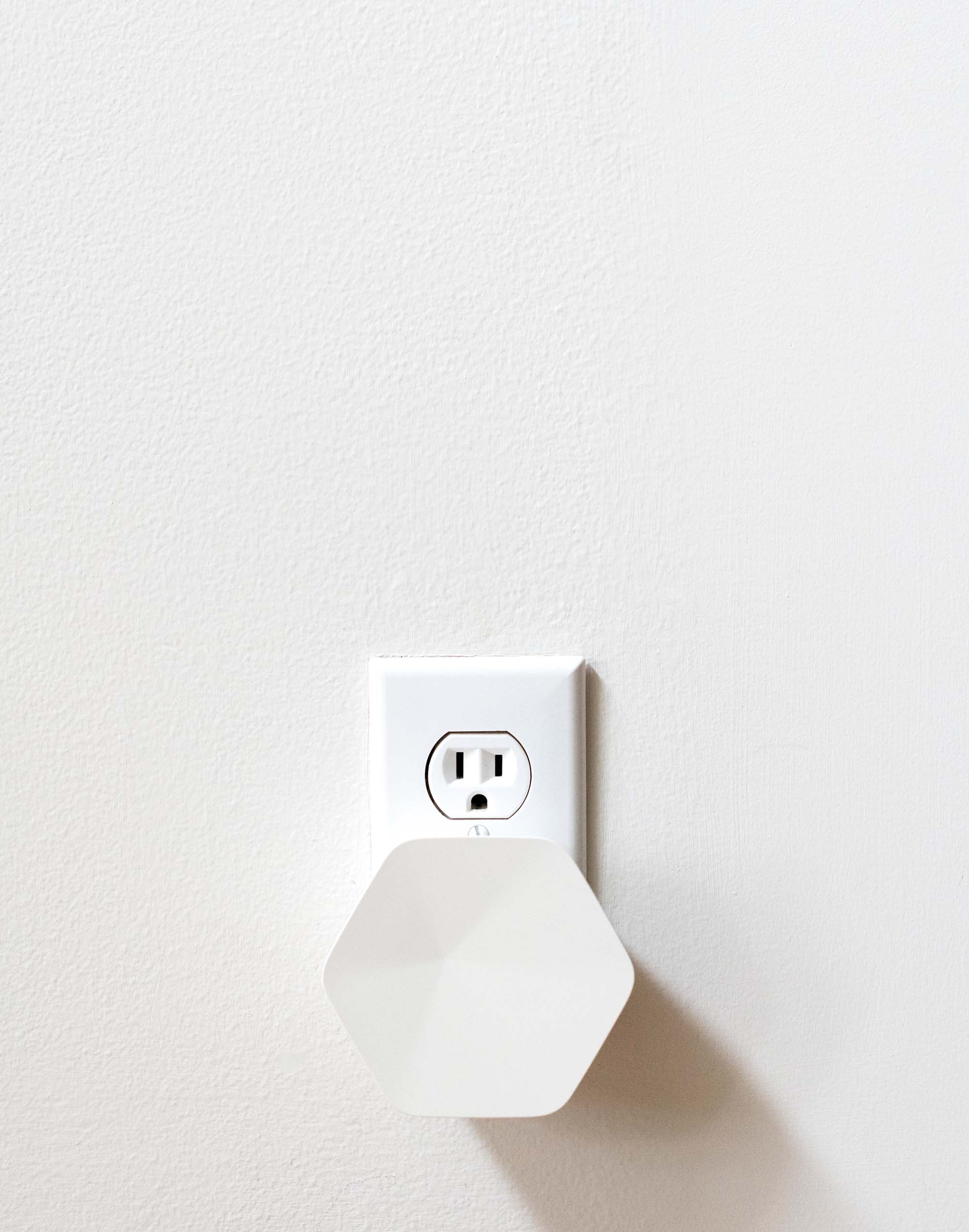
We decided to run wiring for my home office so that I could hardwire in… we also added boosters throughout our home which significantly helped. Boosters or range extenders plug into outlets and help bounce your signal to dead areas in your home. I felt like I was wasting time waiting on things to load, and now I’m able to work quickly and efficiently- without having to worry about the wifi. I just wanted to share that in case anyone else is having similar issues… there are definitely things you can do to help!
Designing a Home Office That Performs and Looks Beautiful
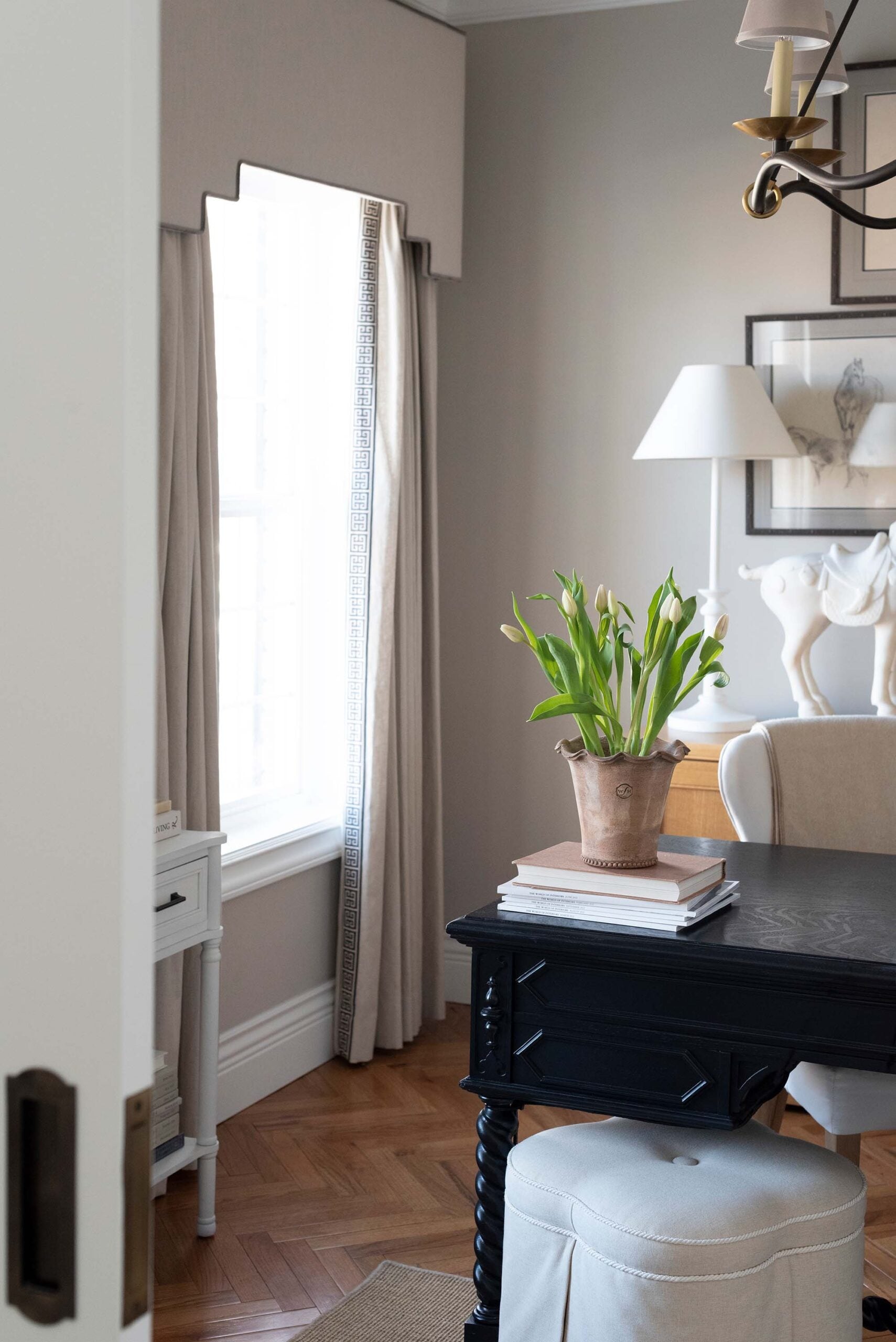
A hardworking home office balances function and aesthetics. It’s not just about selecting pretty furniture. It’s about creating a space that supports your daily workflow while reflecting your personal style. When power is accessible, technology is hidden, lighting is layered, storage is organized, and wifi is reliable, everything else becomes easier. The space functions exactly as it should… and it’s a beautiful place to be.
Questions?
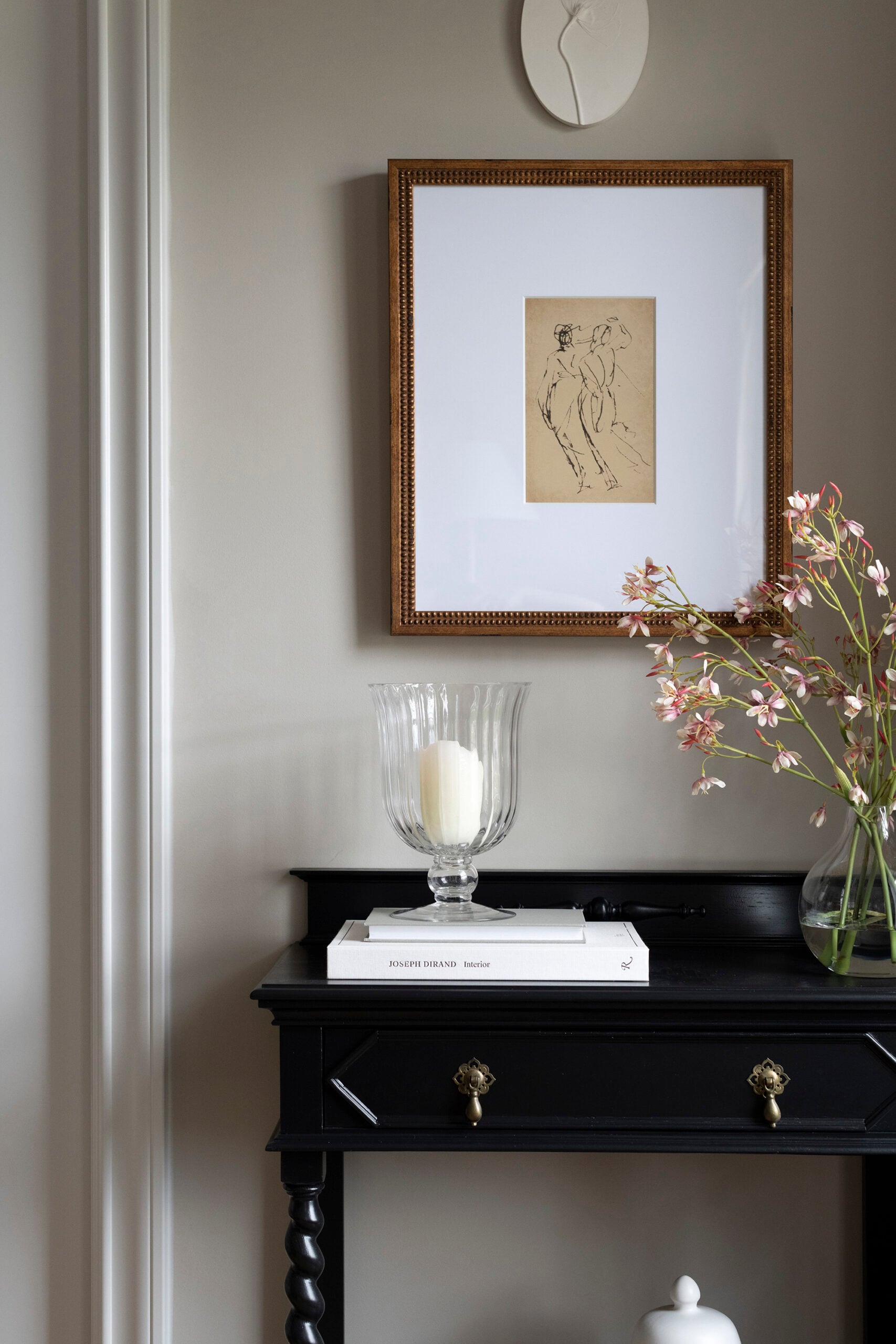
Use under desk cable trays, cord covers that match your wall color, and furniture with built in storage to conceal devices and wiring. Wireless accessories also reduce visible clutter. Check out this post on hiding cords for wall sconces and picture lights!
It’s the Florence Sisal Rug from my shop, Tuesday Made. My sources for everything including lighting, furniture, window treatments, decor, paint, etc. are linked here: home office. The artwork pictured above is the Blind Contour Drawing.
It was a lucky vintage find! Emmett repaired and refinished it for me, with black lacquer. I love it so much.
Related Posts
Looking for more home office and organization related posts? I’m going to share some of my favorites below…
- Designing My Office Built-Ins
- DIY Linen Office Organization Board
- The Designer Guide to Styling Built Ins
- 30 Organization and Storage Solutions That Actually Work
- How to Thrift Books Like a Designer
- The Best Amazon Vases, Vessels & Pottery for Classic Styling
- Home Office Makeover on a Budget
- Tuesday Made Office Tour
- Jordan’s Dark Green Home Office
- How to Find Your Home Design Style
A home office should work just as hard as you do. I hope this post was helpful and gets your wheels turning in regard to functional home office design. Now that I have a well thought out workspace, I really appreciate these little things that make working easy and beautiful. Do you ever work from home? I’d love to hear things that make your home office or workspace more functional! Here’s to a good and productive month ahead.

Good morning! A lifetime of “back to school” always makes this time of year feel more like a fresh start to me than January. (And I will never not love new office supplies!) As a person who’s not particularly productive from home, I’ve never created a proper office. When I remember those impromptu months of remote learning (🤯), I can say that every item on your list gave me fits. Absolute fits. I think accessible outlets, organization and excellent wifi are important for accomplishing even basic home tasks. I could certainly improve two of the three. As always, you’ve given me solutions to ponder in the tech department; I’ve been putting off addressing our wifi situation for months… Regardless, I definitely want to see all of your back to school goodies, Sarah! That’s half the fun. Ha. Here’s to a lovely, productive week indeed!💜
I should say good evening! I totally lost track of time today, so here I am at 11:00pm loving the comment section :) It’s the best part of my day. I love the “back to school” season! I agree that this time of year feels more like a fresh start than January. I still can’t imagine how difficult it would be to teach remote learning. Kudos to all the teachers out there doing that tough job… remote and in the classroom. Our internet has been my biggest pet peeve since moving into this house. We have two terrible options, but we slowly figured out how to improve the speed- and those wifi extenders really do work well. I don’t consider myself to be very tech savvy, but I thank my lucky stars our internet guy set those up for us. Haha! We’re in budget mode over here lately (thanks to our upcoming travel plans), but I managed to find some inexpensive “back to school” buys for my office and closet. I’ll gather them up :) Hope your Monday was a good one! xo
Back to school season has always been a favorite of mine. I update my own supplies and wardrobe while I’m updating the kids’ and it still holds the same excitement it did when I was in school. I envy your floor outlets the most. Since floating Jeff’s desk we’ve had issues with the computer cables and the dog- and almost had a broken monitor because of it. That’s one problem we’ll have to resolve when the built-in gets installed. I love the sleek design of your Wi-Fi extenders. Ours is an eyesore and an upgrade is definitely in the cards. I’d love to see your back to school finds! Our quote for the A/C isn’t written up yet- we should have it today or tomorrow. I’m nervous, but we received some great information from the gentleman that came out. Our weekend always relaxing- but sadly no samples or vintage finds. It’s definitely on my list of to-dos, but I couldn’t bear the heat. I hope your week is off to a great start. Xo
I love it, too! I feel like the back to school tradition is fun for everyone. I was just talking to Jordan today about it, and we both agreed that we love cleaning, purging, and refreshing this time of year… even more so than the spring season. I think it’s that back to school mentality. Cords and dogs do not mix, yikes… we found out the hard way. Crosby came crashing through my temporary office last year and took my iMac with him. A gash in his back and a cracked screen later, I cursed those wall outlets and cord jungle. Hah! Our wifi extenders came from our local Xfinity guy. For awhile, he was coming out once a month because we were having so many issues with the internet (worst part of our location is crappy internet), and I think he felt so bad- he just came us a couple for free. They actually don’t look too terrible! I’m happy you’re finally headed in the right direction with your A/C. I still can’t believe we all had issues with that this summer… some more expensive than others. I feel for everyone and am so thankful we’re able to get at least another year out of ours. We definitely weren’t budgeting for that. Hope you had a great Monday! xo
Hi! What’s the trick for making your computer cord black once it aligns with your desk? Whatever you did there is brilliant.
Thanks, Mandy! It’s just black electrical tape… check out this blog post for a better look: https://roomfortuesday.com/tips-advantages-of-implementing-floor-outlets/
Thank you for sharing these! I’m just getting my office set in a temporary design until I can have built-ins installed, and this is inspiring. I would love to see how you guys did the wiring for the internet. My husband is a software developer and tech junkie, and even with good internet here he would like to run networking cables upstairs to his office so he can hardwire in and have a server up there. He believes networking capabilities need to be more a part of house building from the start! For exactly the kind of situation you have and because so many people work from home now.
Another question about the West Elm lamp: Can you tilt the light down far enough that it’s not shining in your eyes as you sit at the desk? Thanks for sharing beautiful, functional design!
Of course, Darcie! I wish I would have taken photos while running our internet line from the basement into my office. We just drilled a tiny hole to run the cable. I totally agree with your husband! I think tech and networking capabilities should be thought about when building or renovating… homes and workspaces would be more functional without the eye sore of cords running throughout. As for the West Elm lamp, yes- you can tilt and rotate the light really easily to find the right placement (so it’s not in your eyes). They’re really convenient! We love them. Hope your weekend is off to a great start!